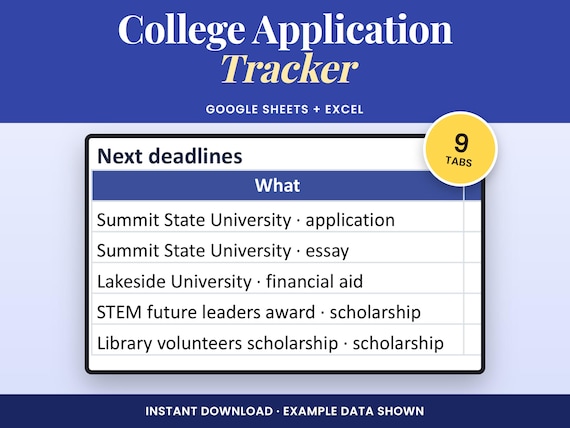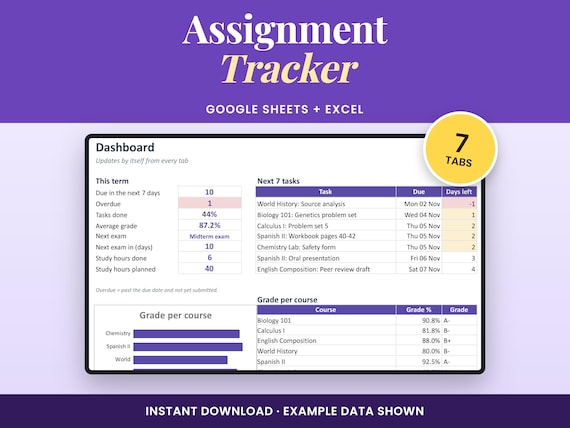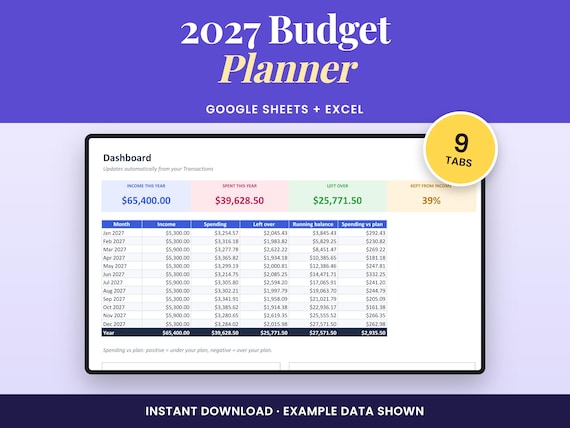
Scholarship Tracker Spreadsheet
7 tabs + printables · instant download from Etsy
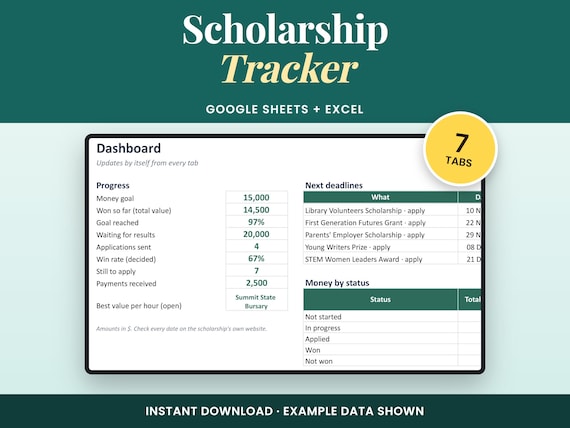
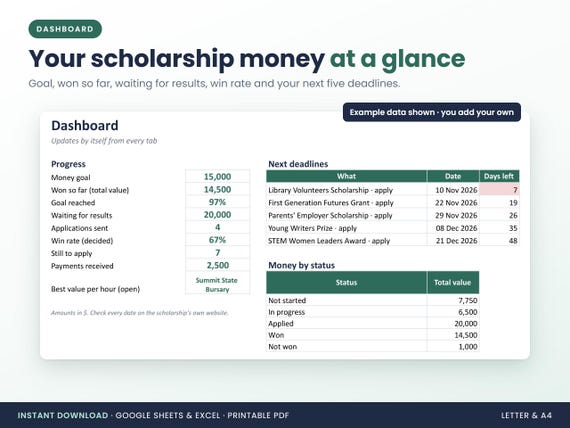
Every scholarship, deadline, requirement, essay and dollar in one calm place. The Dashboard shows your money goal against what you have won, what is still waiting for a result, and your next five deadlines. A value-per-hour score shows which applications to do first, and the Essay Bank lets you write an essay once and reuse it. For students and parents. Use it in Google Sheets or Excel, and print the matching pages.
$4.19 $6.99 on Etsy (shop sale)
Buy on EtsySecure checkout on Etsy. Files are ready at once under Purchases.
Quick facts
| What it is | Scholarship Tracker Spreadsheet |
|---|---|
| Best for | students applying to many scholarships |
| Works with | free Google Sheets and Microsoft Excel (computer; view on phone or tablet) |
| Format | spreadsheet (.xlsx) plus printable PDFs in A4 and US Letter |
| Inside | 7 tabs + printables |
| Price | $4.19 on Etsy |
| Delivery | Instant download, nothing is shipped |
What’s inside
- Scholarship tracker spreadsheet (.xlsx) for Google Sheets and Excel:
- Start Here: set-up in plain words
- Dashboard: money goal, won so far, goal reached %, money waiting for results, applications sent, win rate, still to apply, payments received, the best open scholarship by value per hour, your next 5 deadlines (applications and renewals) with days left, and money by status with a chart
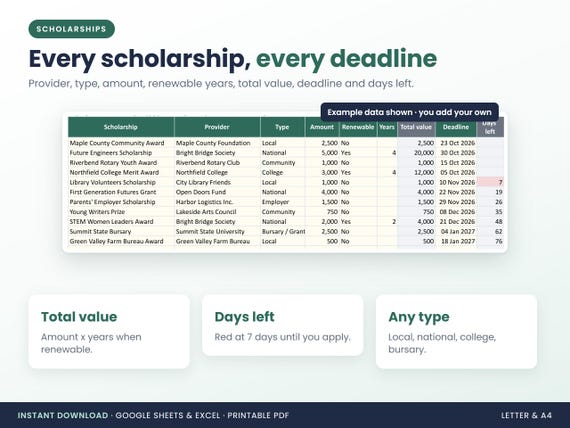
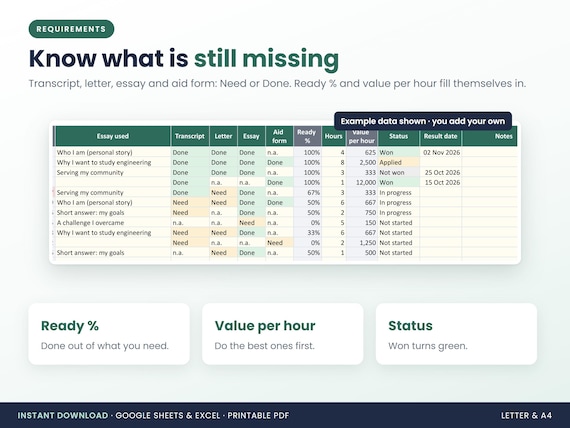
- Scholarships: 80 rows with provider, type (local, national, college, community, employer, bursary or grant), amount, renewable and years, total value, deadline, days left (red at 7 days until you apply), essay used, transcript / letter / essay / aid form (Need, Done or n.a.), Ready %, hours, value per hour, status and result date
- Essay Bank: 40 essays with theme, word count, stage, and how many scholarships use each one
- Won & Renewals: amount per year, paid to school or student, payment date, received, renewal rule (for example a GPA), renewal deadline and thank-you sent
- Settings: student name, currency, money goal, types and statuses
- Printable pages, 7 pages, in 4 PDFs (US Letter and A4, each in colour and ink-saver black and white):
How to use it
- Buy on Etsy and download the .xlsx file from Purchases.
- Upload it to Google Drive and open with free Google Sheets, or open it in Excel.
- Type your own numbers; the dashboard fills itself in.
Questions
Who is the Scholarship Tracker Spreadsheet for?
It is made for students applying to many scholarships.
What do I get with the Scholarship Tracker Spreadsheet?
7 tabs + printables. Format: spreadsheet (.xlsx) plus printable PDFs in A4 and US Letter. Works with free Google Sheets and Microsoft Excel (computer; view on phone or tablet).
Do I need to pay for Google Sheets or Excel?
No. Google Sheets is free with a Google account. The file also opens in Microsoft Excel.
How do I open it in Google Sheets?
Download the .xlsx from Etsy, upload it to Google Drive and open it with Google Sheets. It takes about 2 minutes.
Does it work in my currency?
Yes. Type your own currency symbol; it works for US dollars, pounds, euros and any other currency.
How do I get the files?
Buy on Etsy and the files are ready at once under Purchases in your Etsy account, plus a link by email.
What if a file does not open?
Message the shop on Etsy. We reply within 24 hours and fix it.
How it’s made
Designed by our shop with the help of AI tools for drafting layouts, formulas and wording. Every page and tab is reviewed, edited and tested by us in Excel and Google Sheets before it is listed. The dashboard numbers were checked against a separate calculation.